

Basics
Profile
What your adventure profile shows and how to customize it.
Copied
Your profile is your pirate’s identity card.
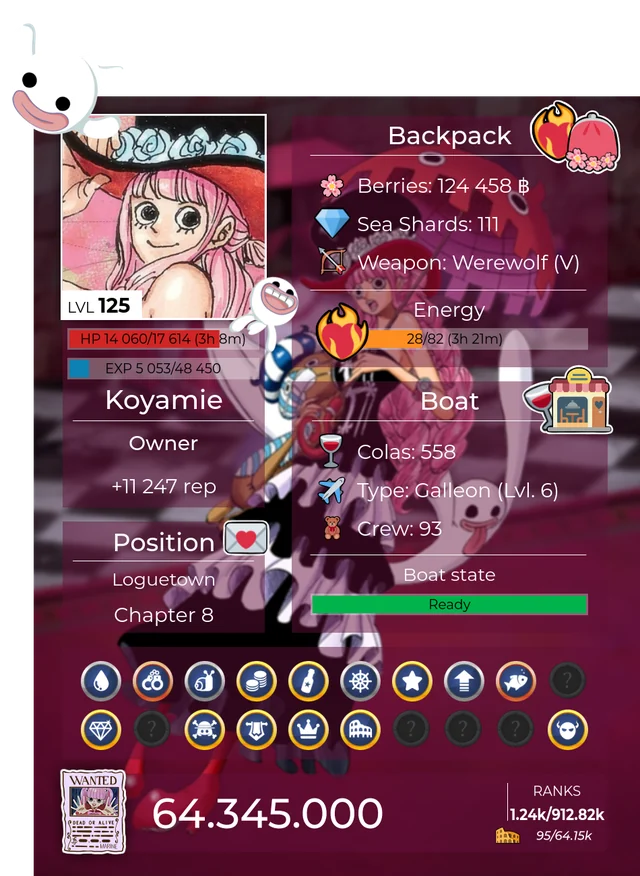
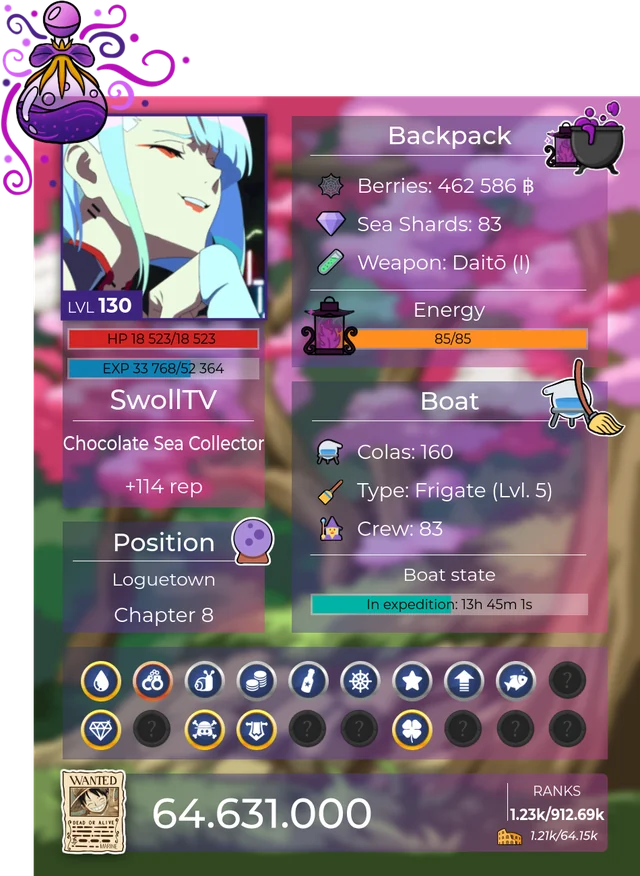
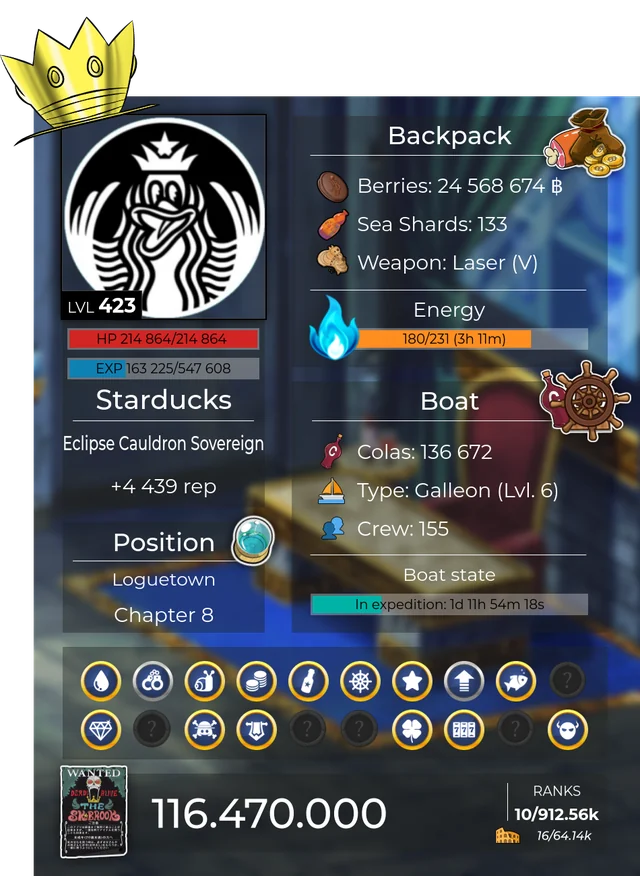
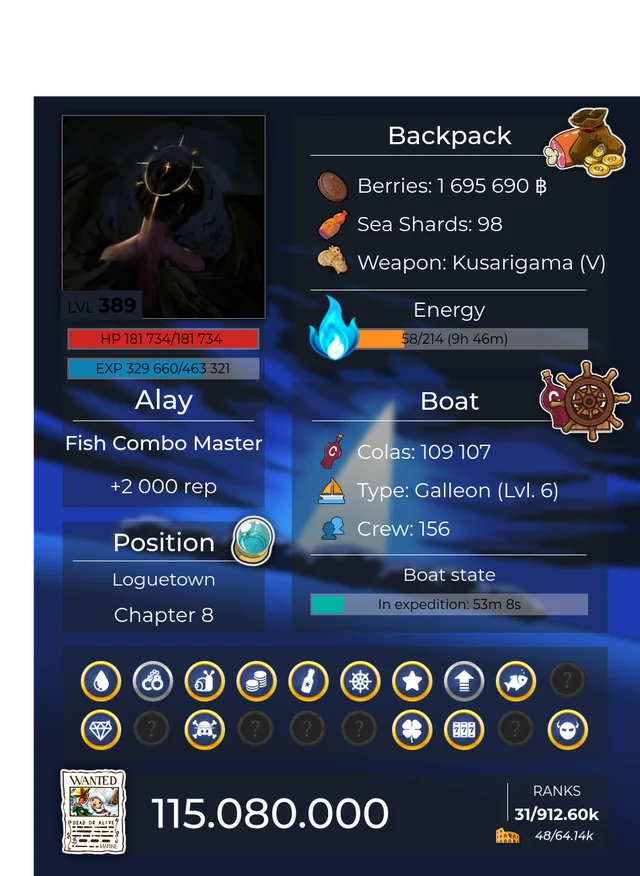
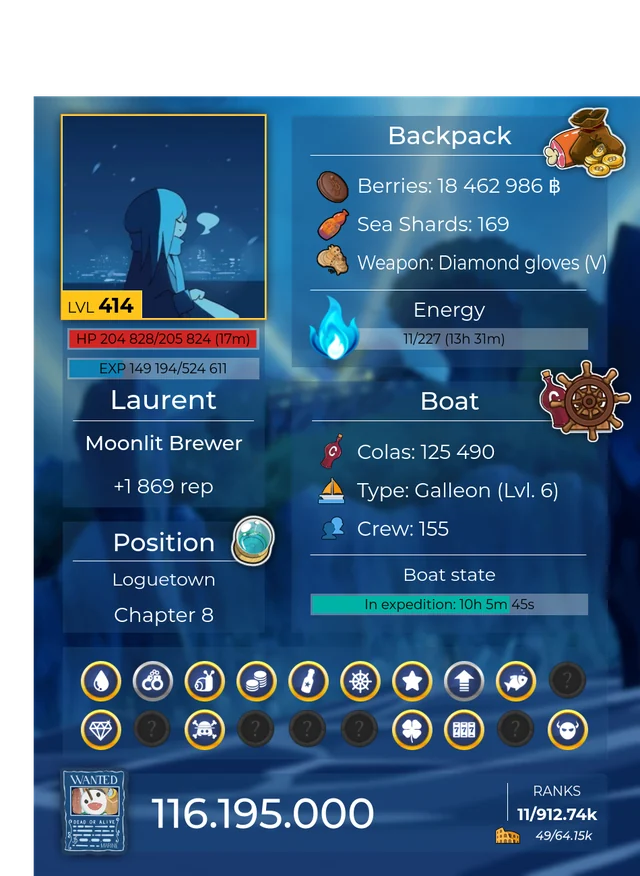
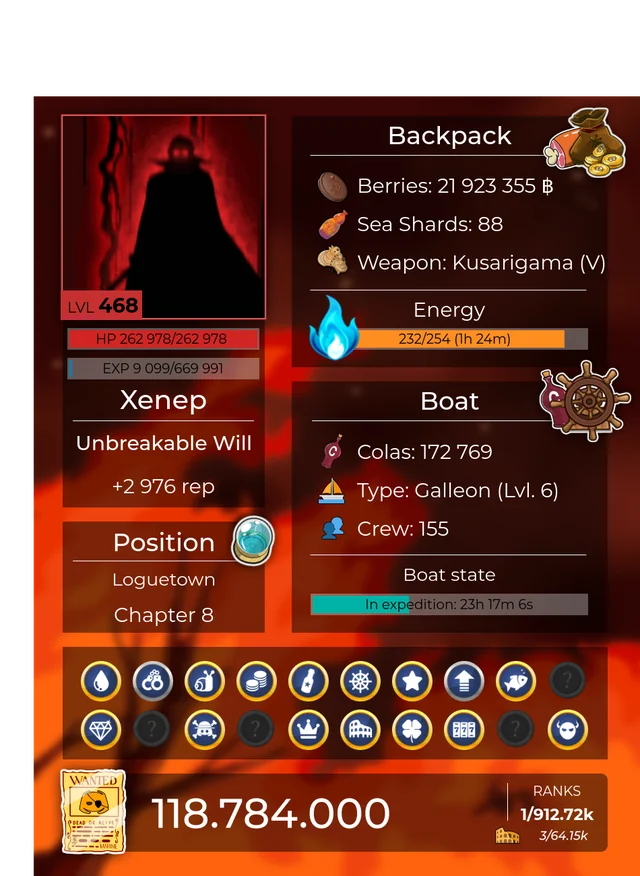
View a profile
Section titled “View a profile”/profile view shows your profile card. Add user to see another player’s, or text to get it as text instead of an image. You can also right-click a member and pick Profile.
The profile shows your level and  experience, your
 health and
 energy, your class and race, your
 weapon, your ⛵ boat, your currencies and the title you wear.
Titles
Section titled “Titles”Titles are unlocked through achievements and milestones.
/profile titles viewlists the titles you unlocked./profile titles setpicks the one shown under your name.
Customize it
Section titled “Customize it”Cosmetics change how your profile card looks. Most of them come from lootboxes.
| Command | Changes |
|---|---|
/profile customize |
Opens the customization menu |
/profile background |
The background |
/profile overlay |
The overlay |
/profile theme |
The theme |
/profile layer |
The dark or light layer |
/profile icons |
The icons |
/profile wanted |
The wanted poster |
/profile avatar |
Whether the card uses your global or your server avatar |
/profile looks lists your saved looks, so you can switch between full outfits.
Wanted poster
Section titled “Wanted poster”Your bounty shows as a 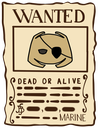 wanted poster. It grows as you progress in the adventure.